XRTV - Extended Reality Television
An Interactive Learning System for Exploring Overlooked and Unfamiliar Forms of Interaction with Visual Media
Overview
XRTV (Extended Reality Television) is an interactive learning on Meta Quest 3 that lets people explore overlooked and unfamiliar ways of interacting with visual media, from turning the dial on a 1975 colour CRT to swiping through a gesture-controlled smart TV
Working from a double-diamond process, we sketched three early directions and converged on one centred on tangible + immersive interaction — letting users physically and virtually interact with TV models spanning past and present, rather than reading about them.
We built two personas (technical vs. non-technical backgrounds) and a storyboard to keep the design grounded in real user behaviour rather than internal assumptions.
Notable iterations along the way:
Switched from a cluttered horizontal UI layout to a condensed vertical one after early testing showed it hurt engagement.
Cut a planned third "future TV" model due to time constraints.
Repeatedly resoldered and adjusted hardware after the physical dial kept detaching and lagging behind the virtual output.
Discovered ShapesXR couldn't support video playback or screen-sharing for evaluations — so we split tooling: ShapesXR for UI visualisation, Unity for functional testing.
Evaluation
We tested with 13 survey respondents at the Endeavour Exhibition and ran moderated usability testing with 12 participants using Think Aloud, focused on clarity of instructions, engagement, and user confidence.
What worked:
The physical retro TV's dial felt intuitive and nostalgic, and gesture control — while harder to learn — was seen as fun and highly engaging once understood.
Learning outcomes improved: engagement rose noticeably once users entered the "Learn" mode, and most participants felt hands-on learning was more effective than reading or lectures, especially for children.
The experience was accessible even to first-time XR users.
What didn't:
Text was too small and instructions lacked upfront overview, leaving some users unsure where to start.
The vertical UI layout — chosen to reduce clutter — caused neck discomfort for some users, contradicting our initial assumption.
Users struggled to distinguish physical from virtual controls, and gesture recognition was inconsistent (e.g. swipe vs. push overlap) with no visual feedback confirming a correct gesture.
Broader XR constraints — headset weight, cybersickness, and space requirements — surfaced as real barriers to comfortable use.
Reflection & Next Steps
This project reinforced that novel interaction alone doesn't guarantee usability — even highly engaging gesture controls need clear feedback loops and onboarding to feel confident rather than frustrating. It also validated the core hypothesis: interactive, embodied learning outperformed static formats for building contextual understanding, particularly for younger users.
Future iterations would focus on:
Adding real-time visual/audio feedback for gesture recognition
Expanding beyond two TV models to better represent the full history
Testing a horizontal layout and shorter text to reduce cognitive and physical strain
Validating findings further with education and XR experts via interviews and cognitive walkthroughs
ShapesXR prototype for showing the onboarding instructions and exploring new user interfaces
2 Prototypes


Unity prototype replicating the interactivity and realistic experience of using TVs
Shapes XR Prototype
Role
Product Designer
Collaborator
Sakdiphat Tanphiphatari - XR Developer
Timeline
March 2025 - May 2025
Through guided instructions via the UI panels and virtual buttons, users can navigate and gain a better understanding of how old television models works
Moving on to a more present television model, users will get to test gesture-control technology that offers a unique experience to control TV at the wave of their hands
Unity Prototype
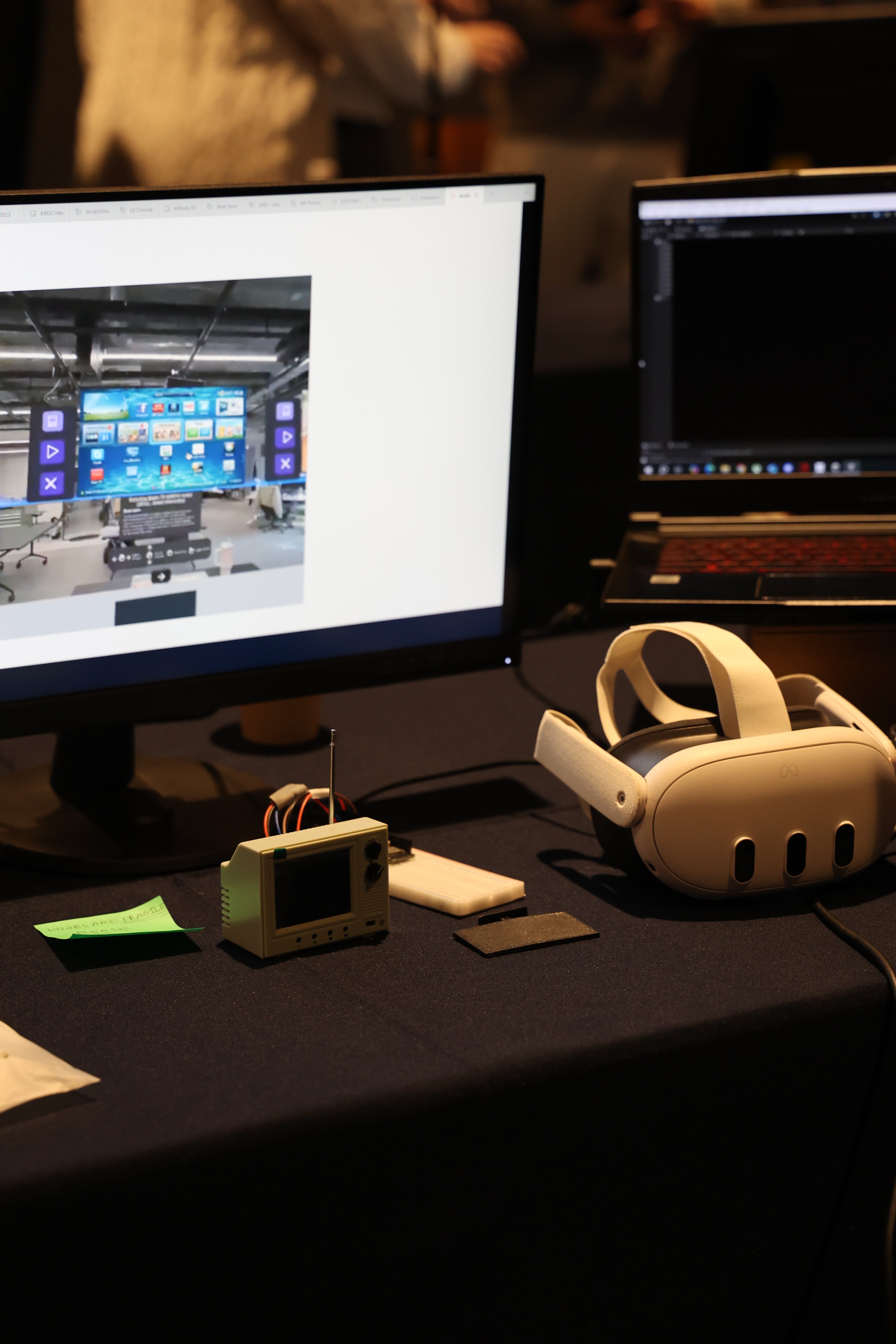
Unity was used for realistic interaction: a mixed-reality build combining a physical miniature retro TV (with a working dial, driven by an ESP32 + breadboard) with a virtual digital twin on Meta Quest 3, plus functioning hand-gesture control for the modern TV.
Results
ShapesXR — used for UI design and onboarding: guided panels teaching users how retro TVs and gesture-controlled TVs work.
Context
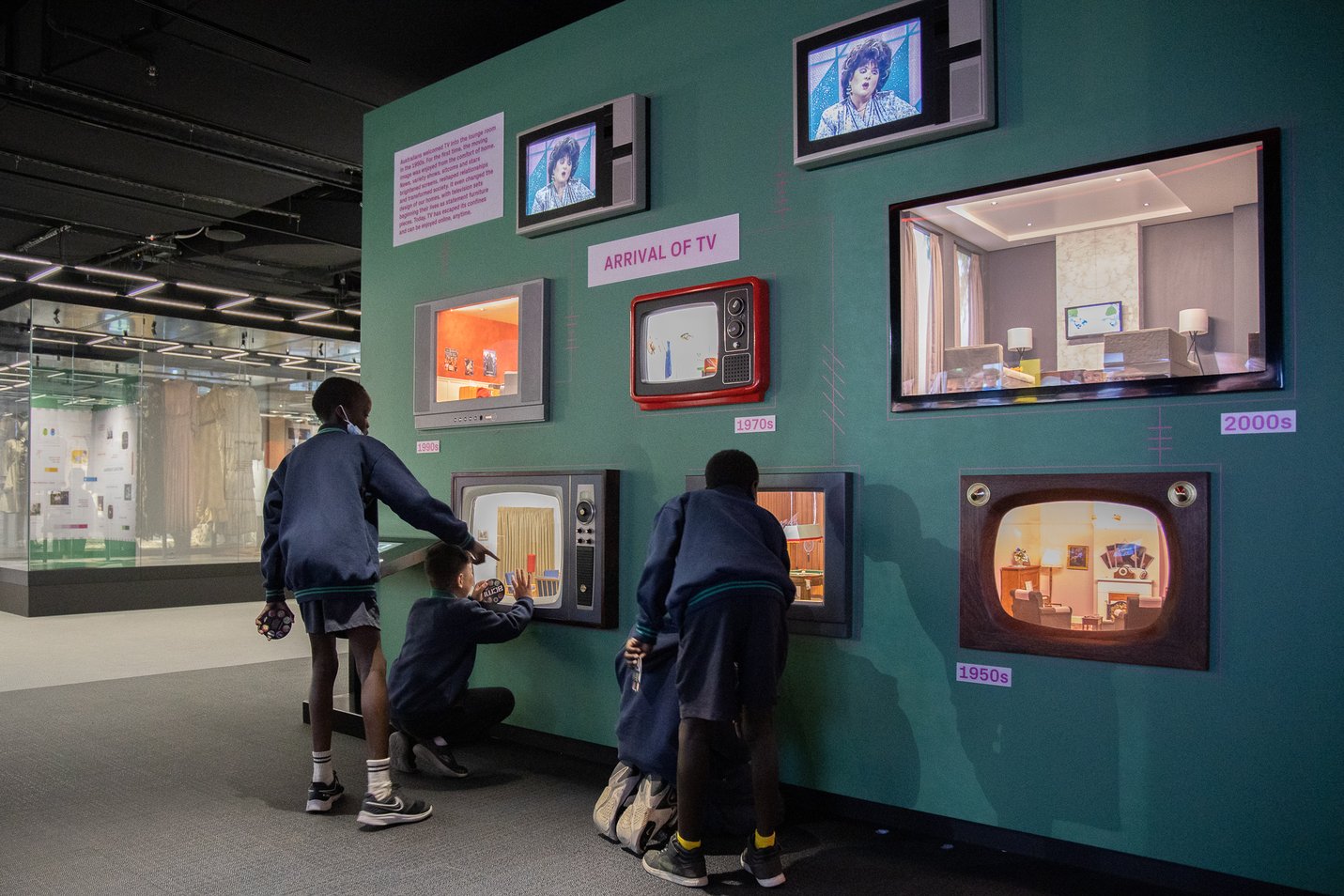
On a visit to ACMI we noticed a lack of contextual understanding around television history. Younger people rarely watch conventional TV, don't know older models, and few have heard of gesture-controlled TVs. Static text and images do little to bridge that gap.
Approach
Using the double diamond model, we combined secondary research with 7 interviews and 24 surveys, then built two parallel high-fidelity prototypes - ShapesXR for UI and onboarding, Unity for realistic, tangible and gesture interaction.
Outcome
A mixed-reality system where a physical dial on a miniature retro TV controls its virtual digital twin, plus a gesture-controlled TV. Tested with 12 participants and 13 exhibition visitors, who found hands-on learning more engaging than reading or lectures.
7
semi-structured interviews
24
survey respondents
2
high-fi prototypes, built in parallel
25
evaluation participants (12 usability tests + 13 surveys from live demo)
Context & Process
Seventy years of television, mostly behind glass
Since the 1950s, digital visual media has evolved from the first digital scanner to television cameras and colour images. Fewer people use traditional TVs today, yet the technology keeps advancing — including gesture-controlled TVs that many people don't know exist.
Our core goal: address the lack of contextual understanding around television history — first identified at ACMI's TV miniatures exhibit — with an interactive system that teaches through interaction rather than static text or images.
Discover
Secondary research and a literature review across three areas set the direction for fieldwork.
Gesture-controlled TVs are intuitive and engaging - but present learning challenges.
Younger generations use smartphones and social media instead of conventional TV, and are unfamiliar with older models.
XR boosts motivation, engagement and retention over traditional methods , yet is still rarely used in visual media education.
Primary research
Gesture-based television
Media consumption has changed
XR based learning
To close the gap between user needs and past research, we asked people about their visual media consumption and general knowledge of XR. All interviewees gave informed consent for audio to be recorded, transcribed and analysed.
7
Semi-structured interviews
Face-to-face with an interview guide, 10+ questions; technical and non-technical participants.
24
Survey respondents
24 closed and open-ended questions on media habits and XR familiarity.
“Using XR for education is actually great, but it's expensive… looking at the benefits, I think that will be great, because it gives you better immersive experience.”
“I prefer voice control and gestures because it offers more autonomy.”
“I think TV remote controls do a good job for their usage, where usually you don't need to input a lot of text.”
Persona


Define
Making sense of the sticky notes
Thematic analysis assigned codes to recurring patterns across interviews and surveys; affinity mapping helped us make sense of the volume of data across four clusters - visual media consumption, interaction and control methods, XR learning, and participant characteristics.

7
Semi-structured interviews
Face-to-face with an interview guide, 10+ questions; technical and non-technical participants.


Gary, 23 - software engineering student. XR advocate who wants to see it extend traditional learning, but gets motion sickness in headsets.
Felicia, 35 - media & communication teacher. Open to XR in teaching, but found headset setup hard and the learning curve steep.
Problem Statements
How might we support people in discovering and interacting with overlooked or unfamiliar forms of visual media?
How might we make learning about interface evolution immersive, fun, and accessible even for XR beginners?